Seafreight Import Shipment: In the general tab of the shipment, the “Extras” action allows a selection of possible actions that are related to the current order.
The selection “create shipment template” creates a template from the current shipment. This template may be used for future shipments:


Clicking on the “proceed” button opens the template, which you can customize as needed:

All information that you have entered in the “general” and “goods” tab or transferred from the selected shipment will be transferred to the new seafreight import shipment:

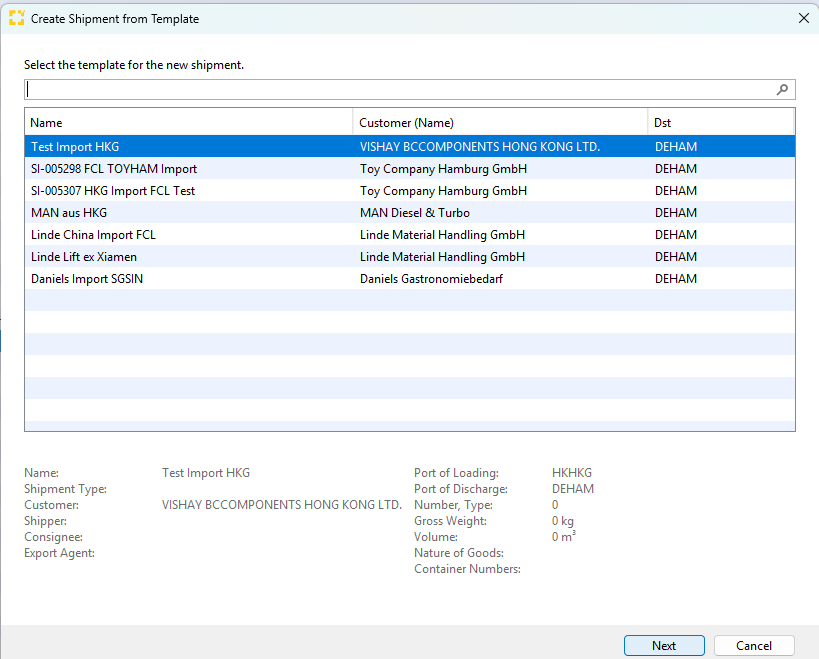
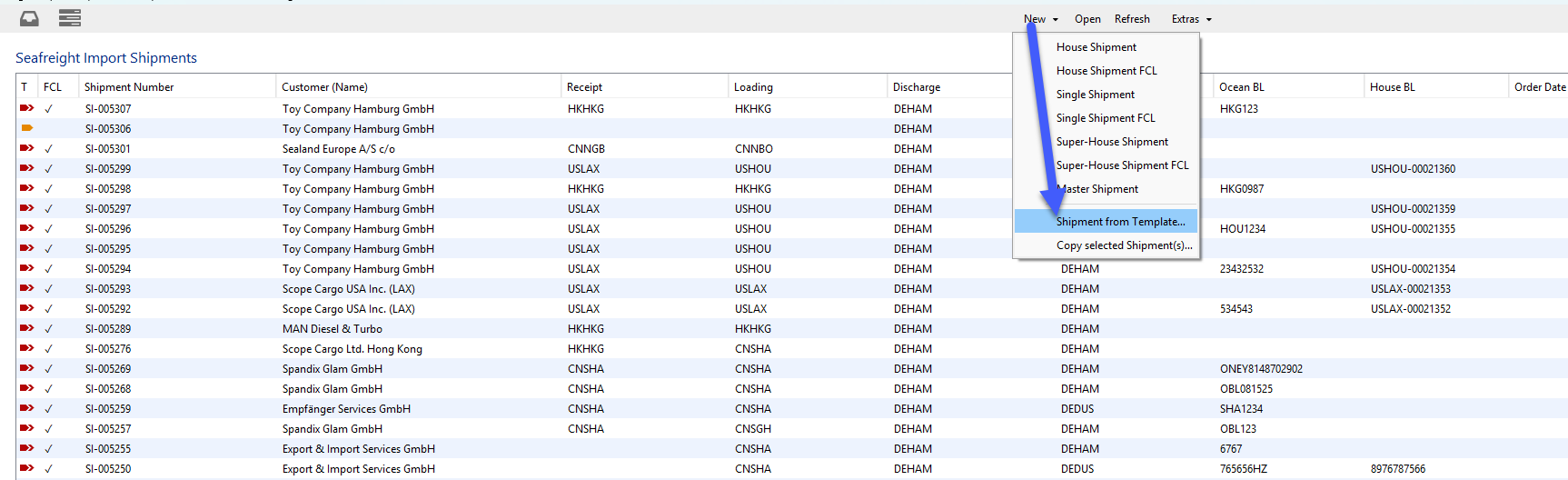
The name of the template is saved and you can choose from previously created templates (select New > Shipment from Template):
Overview of templates: