
This new “Invoice Notes” configuration dialog has been introduced so that you can manage legal and informational notes that must be included in outgoing e-invoices. This configuration replaces the hard-coded text previously maintained on invoice forms, ensuring that the information shown on the PDF invoice printout and the corresponding e-invoice remain consistent and centrally maintained within Scope
Navigate to Settings > Finance > Accounting and under Master data you click on Edit Invoice Notes.
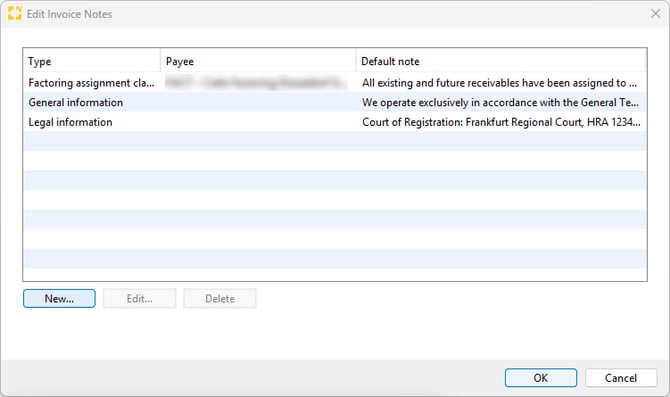
Click below the table to set up a new invoice note or edit/delete an existing note.
The available invoice note types depend on the country-specific requirements. For Germany, the following note types are currently supported:
-
- General Information: General legal or business information, for example references to terms and conditions like the ADSp.
- Legal Information: Additional legal disclosures required under commercial law that are relevant to the invoice issuer company, such as information about managing directors or company registration details.
-
- Factoring Assignment Clause: Additional legal information that must be provided when invoice factoring is applied.